Cloud Library

Your library on every computer.

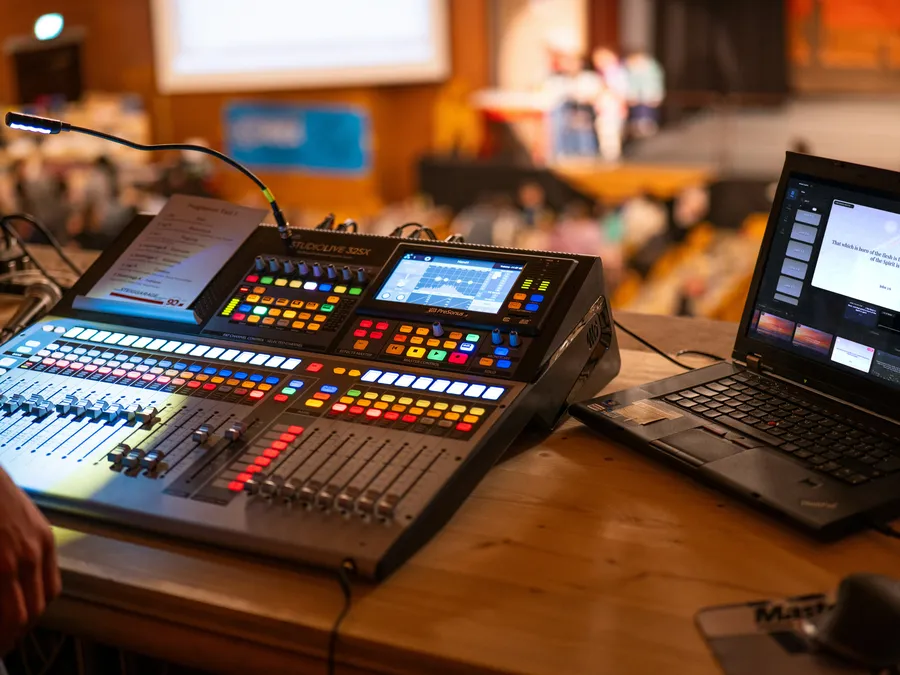
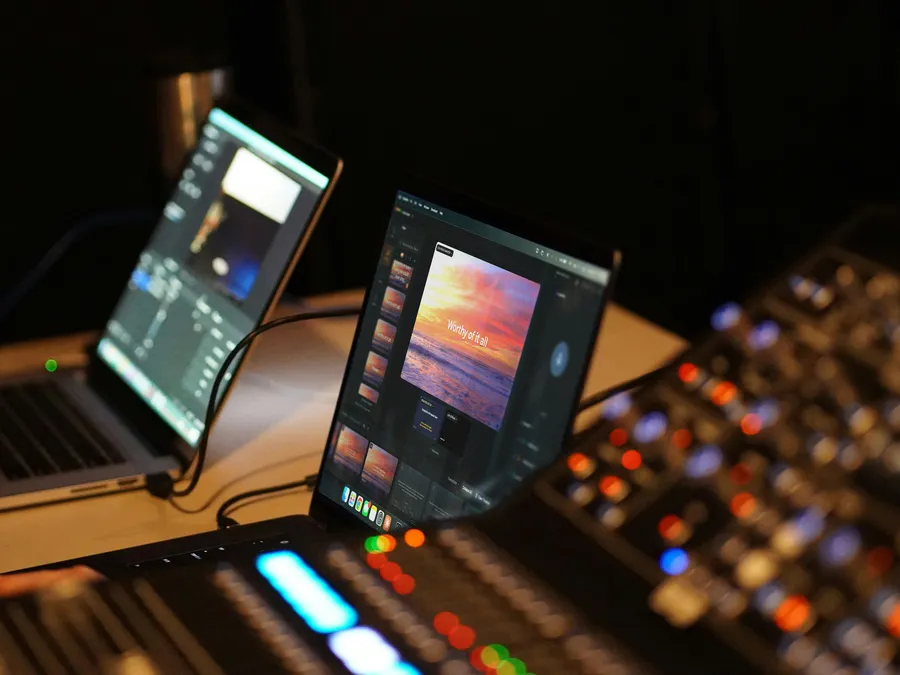
Cloud Library is the part of Verse Copilot that keeps your songs, slides, presets, photos, and videos on every computer you present from. Build it at home. Open it at church.

Download free

Last updated Sept 2026

Three steps. Nothing to carry.

Step 1

Sign in

Open Verse Copilot on the other computer and sign in with your church account.

Step 2

Your library arrives

Songs, slides, presets, photos, and videos come down on their own. No files to copy, no drive to carry.

Step 3

Present anywhere

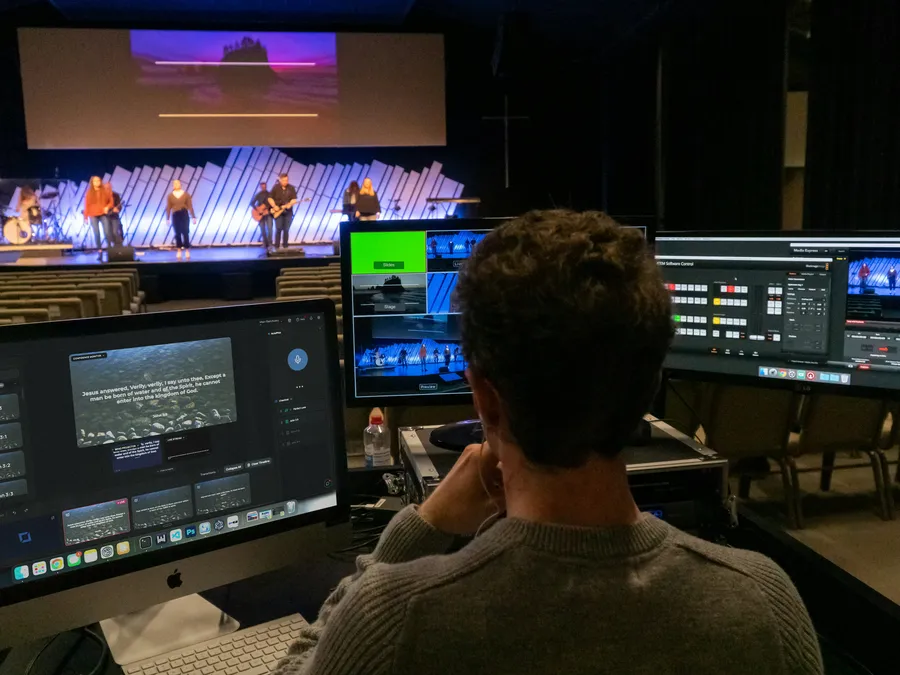
Hand the booth to a volunteer. What you built Thursday night is already on the screen in front of them.
Your library on every computer.

Build your slides at home, then open them on the computer at church. Everything you made is already there, ready to present.

No more emailing a file to yourself, and no more wondering which laptop has the good version.

Less to carry. Less to worry about.

Ready before Sunday

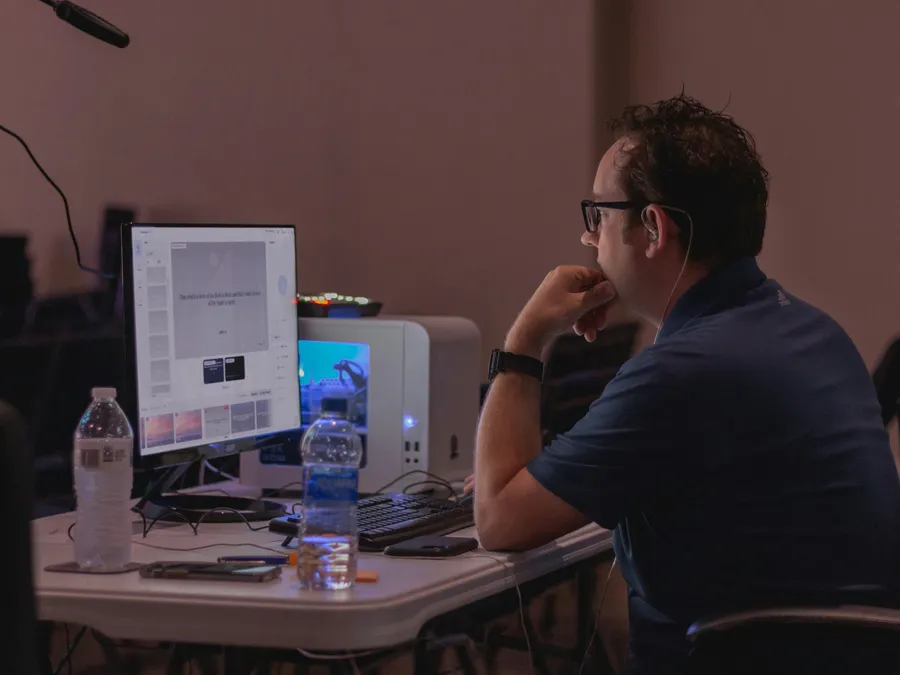
Build the whole service from the kitchen table on Thursday night. Songs in order, verses ready, backgrounds picked. It is waiting on the computer at church when you arrive.

Change it once

Fix a typo at the office and the computer at church has the fix before Sunday. Add a background, a preset, or a new song, and every signed-in computer has it.

Sunday still happens

It is 9pm Saturday and the computer up front will not turn on. Sign in on any other computer running Verse Copilot. Tomorrow’s songs, slides, and backgrounds are already there.

One church. One library. Every room.

Sanctuary, youth room, overflow, a second campus across town. Every computer signed in to your church account shows the same library.

Sing Amazing Grace in the sanctuary and the youth room shows exactly the same words, background, and layout. Nobody sets it up twice, and no room drifts into its own version.

See it all from your browser.

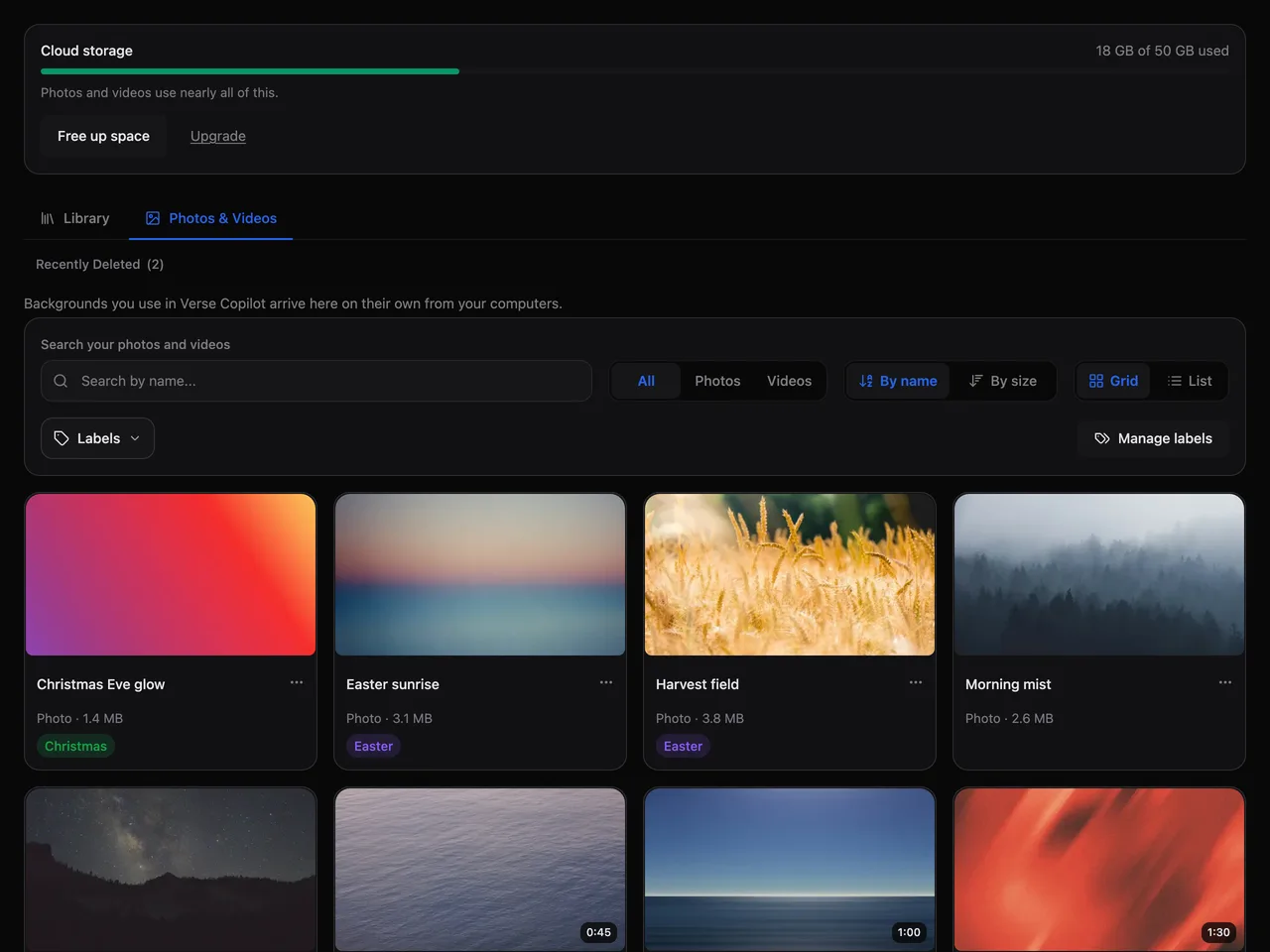
Sign in at versecopilot.net and open Cloud Library. The Photos & Videos tab shows every background as a thumbnail, and a video plays right there in the page.
Tidy it up

Rename a file, add a label, sort by name or size. Find the Christmas backgrounds in one click next December.

Recently Deleted

Deleted the wrong video on Saturday? It waits in Recently Deleted until you put it back.

Storage meter

One bar shows how much room your photos and videos are using, and how much is left.

Songs and slides are always free.

Only photos and videos count against your storage. Songs, slides, and presets never do, however many you build.

At 75% and 90% full, your church gets a notice by email and in the app. At 100%, new photos and videos wait until you clear some room. Everything already in your library keeps working.

Cloud Library comes with Standard, Smart, and Ministry: 15 GB, 50 GB, and 250 GB of photo and video storage. See plans and pricing.

Common questions

Does it work without internet?
Yes. Verse Copilot runs from your own computer, so Sunday goes ahead with the internet down. Anything you change catches up the next time that computer is back online.
What if two computers change the same song?
Both versions are kept. One holds on to the original name, and the other is saved beside it as a copy, stamped with the computer and the date. You pick the one you want. Nothing you typed is thrown away.
Are our photos and videos private?
Yes. Your files are stored privately for your church. There is no public gallery and no shared feed. Only people signed in to your church account can open them.
What happens when storage is full?
New photos and videos wait until you make room. Everything already in your library keeps working, and you get a notice at 75% and again at 90%, so a full library is never a surprise on a Saturday.
Can volunteers use it from home?
Yes. Team logins are free and unlimited on every plan, so a volunteer can sign in at home and build next week’s slides. Each paid plan covers one computer, and running a second one at church is an add-on.

Build it once. Open it anywhere.

Download Verse Copilot free and keep the free plan for as long as you like. Cloud Library comes with Standard, Smart, and Ministry.

Download free

Every new church starts with 30 days of the full Ministry plan. No credit card.