Your pastor speaks, your team sings. The screen keeps up.
AutoPilot follows your service live. Verses appear as your pastor preaches, and lyrics advance as your team leads worship. Your congregation reads along without anyone touching a keyboard.
Available on Smart and Ministry plans.
One AutoPilot. It follows the whole service.
Turn it on and the screen keeps pace with what’s happening up front. No one at the keyboard.
Bible verses
Every reference your pastor speaks appears on screen: the full verse, in your translation, the moment it’s said.
Smart and Ministry
Worship lyrics
As your team leads the song, the next lyric slide advances on its own. Your congregation keeps singing, hands-free.
Ministry
Sermon slides
Your pastor reaches a point in the message and the matching slide appears. No cue, no clicker.
Smart and Ministry
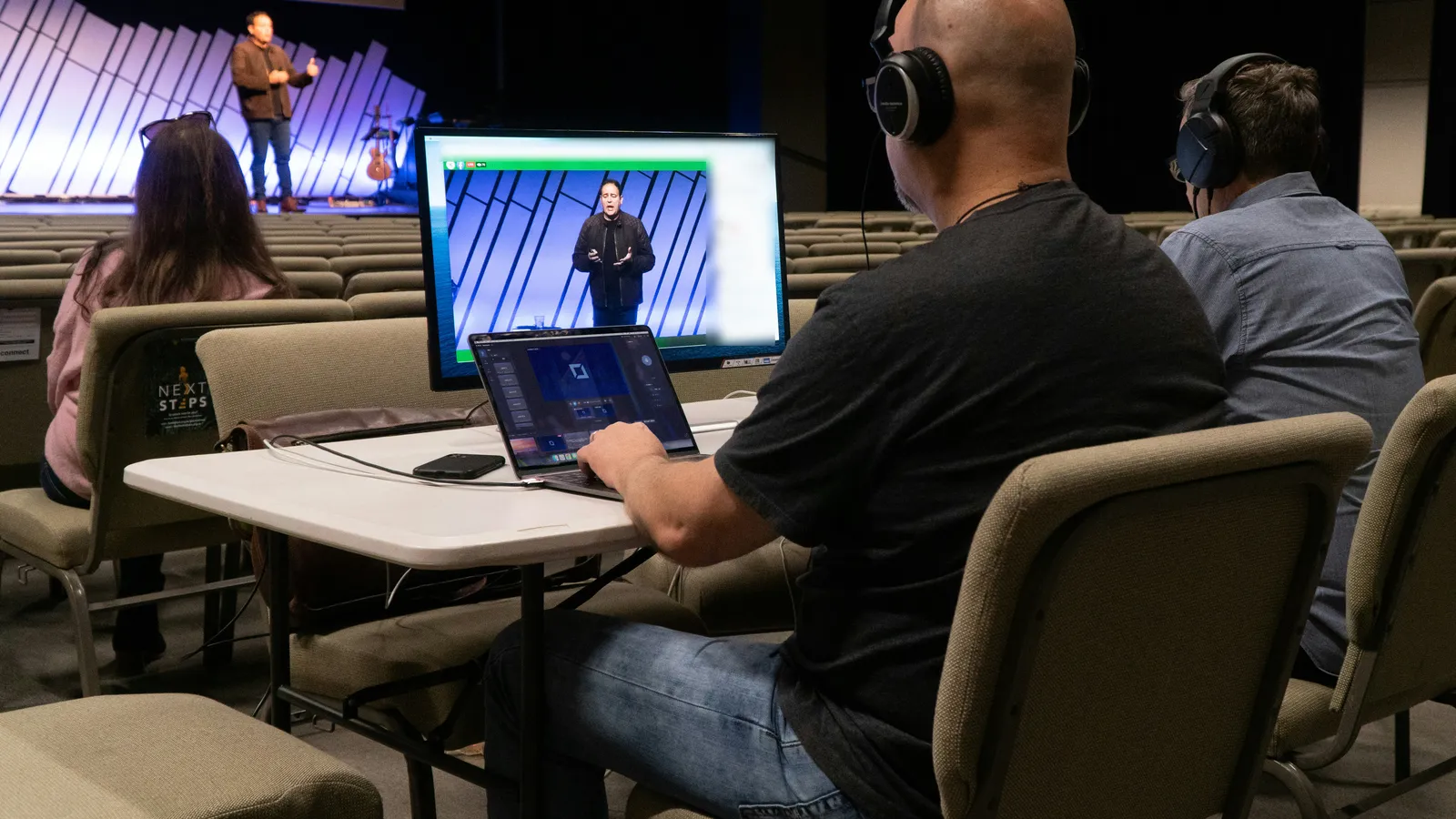
Three steps. Sunday morning sorted.
Place your phone near the pulpit
Open the companion app on your iPhone or Android and set it within earshot of your pastor. Wi-Fi or cellular, either works.
Tap one button
Hit Start on the companion app or the desktop. AutoPilot begins following the sermon immediately.
Verses appear on screen
Every Bible reference your pastor speaks shows up on your presentation display. The full verse text, the right translation, ready to read.
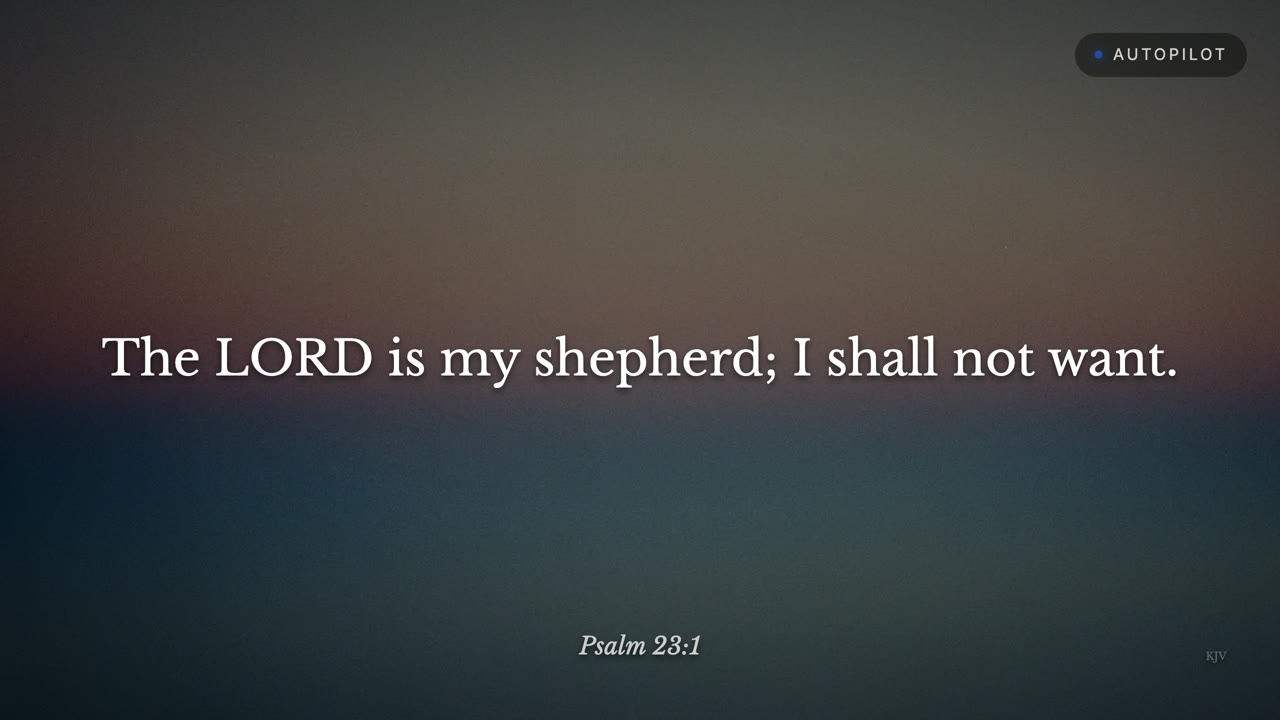
Clear verses go up. Unclear ones get skipped.
No modes to set up. When AutoPilot isn't sure, it skips that one rather than risk the wrong verse.
Clear references go straight up
When your pastor states a reference clearly, the verse appears on screen right away. No delay, no clicking. Your volunteer can just watch.
This is most references, most of the time.
When it's not sure, it skips
When a reference is muffled or unclear, AutoPilot skips that one rather than put up the wrong verse.
Your safety net for unclear or unusual moments.
Five translations, stored on your computer.
KJV, ASV, AKJV, YLT, and the Berean Standard Bible are built into the app, so verse text loads instantly without waiting on church Wi-Fi. The Berean reads in plain modern English if the older wording is a stretch for your congregation.
AutoPilot itself needs an internet connection to hear the sermon and recognize references. If the internet drops mid-service, AutoPilot pauses and you keep full manual control of every slide and verse.
Need a different translation? Connect to the internet for more, like the NASB and the Amplified Bible. Switch translations mid-service if you want. Your choice.
Offline Translations
More online, like the NASB and Amplified Bible
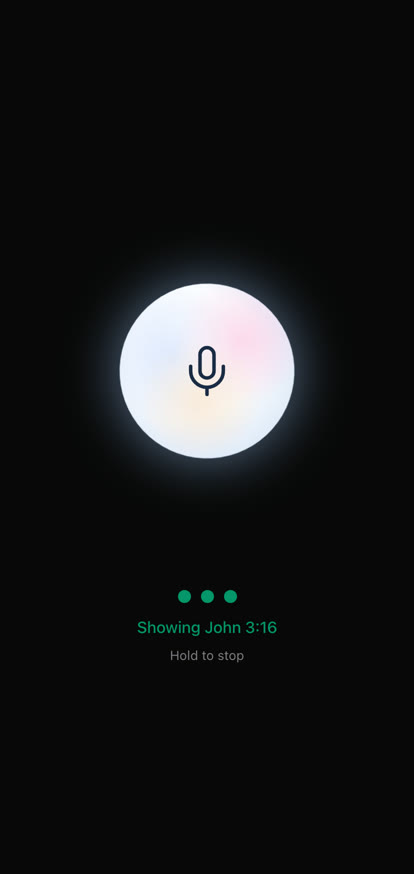
Your phone becomes the mic.
Set your phone on the pulpit or a table nearby. Clear, clean audio so every verse hits the screen the moment your pastor says it.
Just a phone you already own. No cables, no sound board.
Your volunteer is always in control.
AutoPilot is a tool, not a takeover. One click pauses detection. One click resumes it. Your volunteer can override any verse, display a different reference, or stop the feature entirely. At any point. Mid-sentence if needed.
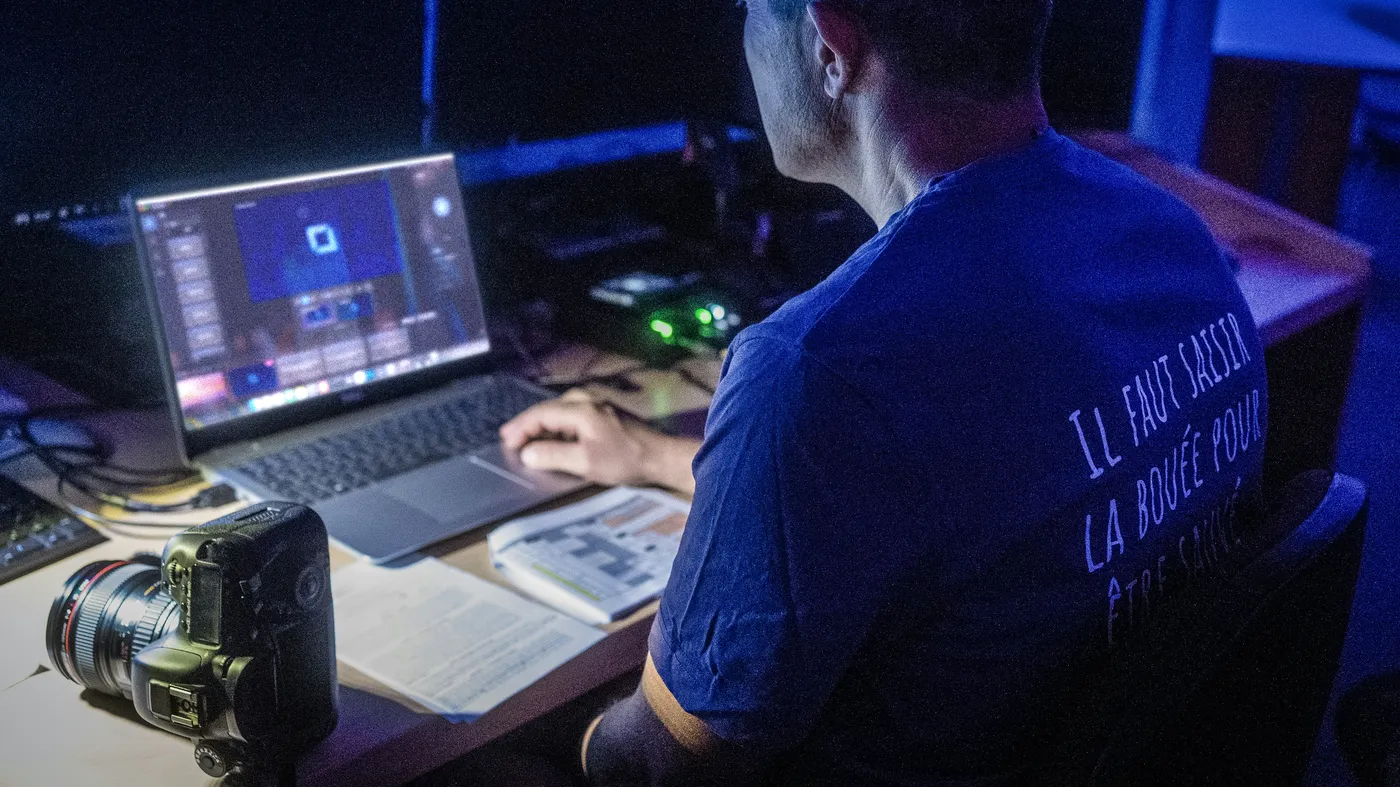
Pause anytime
One button stops detection instantly.
Manual override
Search and display any verse yourself.
Resume in a tap
Pick up right where the sermon left off.
Get the most out of AutoPilot.
A few simple habits make the biggest difference. More tips.
Bible verses
-
Say the reference.
Book, chapter, and verse, said out loud, is the surest way to get the right verse on screen.
-
Plan the verses ahead.
Add the sermon's verses to the service before Sunday, and AutoPilot is ready when your pastor gets there.
-
Stay up to date.
Keep Verse Copilot updated and on a steady connection, from the first verse to the last.
Worship lyrics
-
Use the words your band sings.
Match your slides to the version your band plays, word for word.
-
Give every part a slide.
Verse, chorus, bridge, tag. If it gets sung, it gets a slide.
-
Keep the order.
Put the slides in the order the band plays them, repeats included, and the lyrics arrive right on time.
Under the hood.
The short version. For the full story on audio and privacy, read how it works.
Your phone picks up the sermon
The companion app, or your computer’s mic, picks up the sermon. That audio is sent to our servers to recognize the references.
The verse comes from your translation
The full verse appears in the translation you chose. Translations stored on your computer load instantly.
Last updated Sept 2026
Stop typing verse references.
Download Verse Copilot, open the companion app on your phone, and let AutoPilot handle the rest. Your congregation sees every verse. You get your Sunday morning back.
Available on Smart and Ministry plans, macOS and Windows. Every new church starts with AutoPilot free for 30 days as part of the full Ministry plan. No credit card.